← All live demos

Biology · Interactive learning tool

Cell Explorer

Step inside the cell — switch between many cell types, click every organelle, and watch the processes of life play out.

3D / WebGLOrganelle libraryMany cell typesBiology quizzesThree.js

A closer look

What you can do with Cell Explorer

Cell Explorer makes the invisible visible — a 3D cell students can open up, label and animate to see how it actually works.
Many cells, one explorer — screenshot

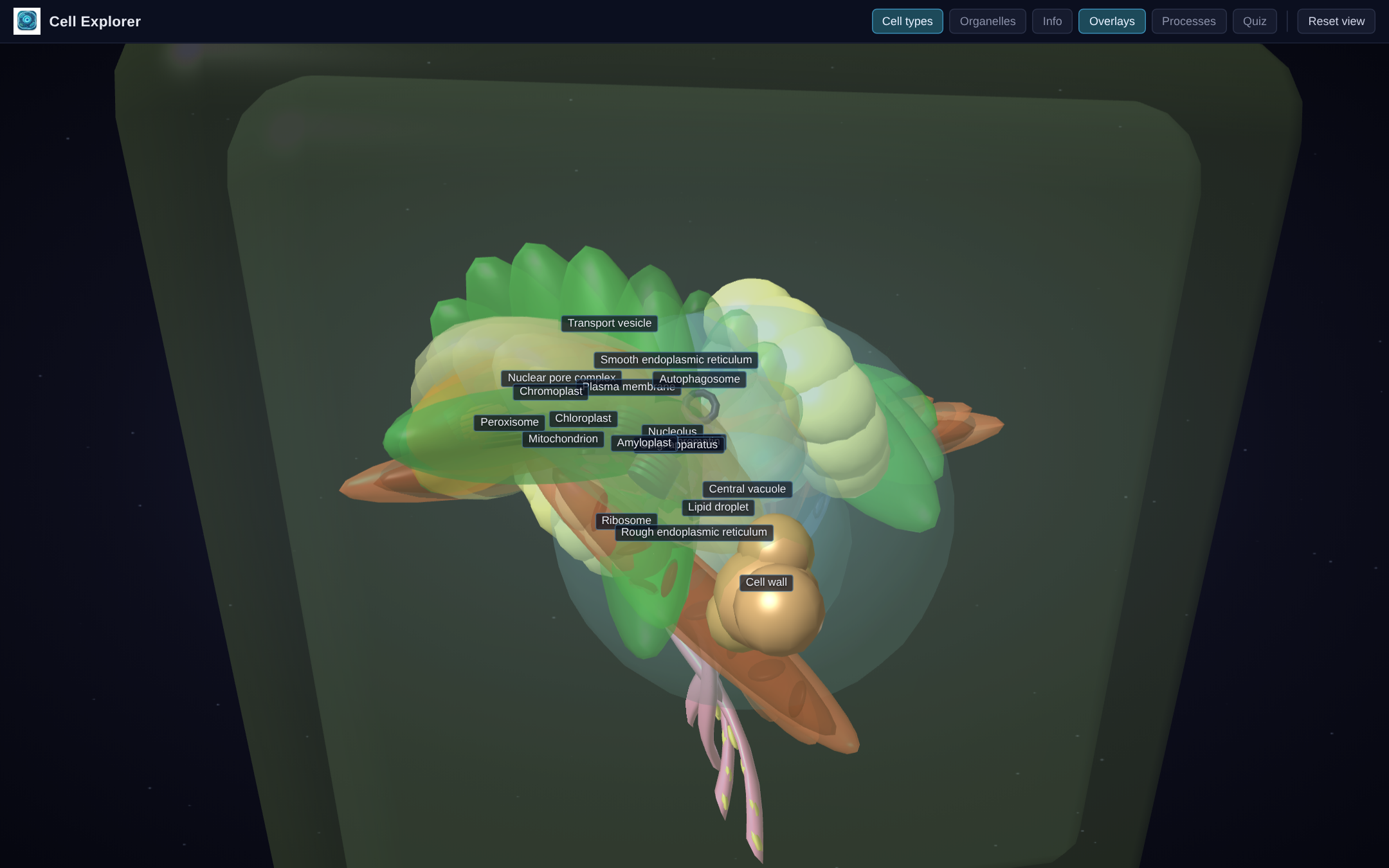
Many cells, one explorer

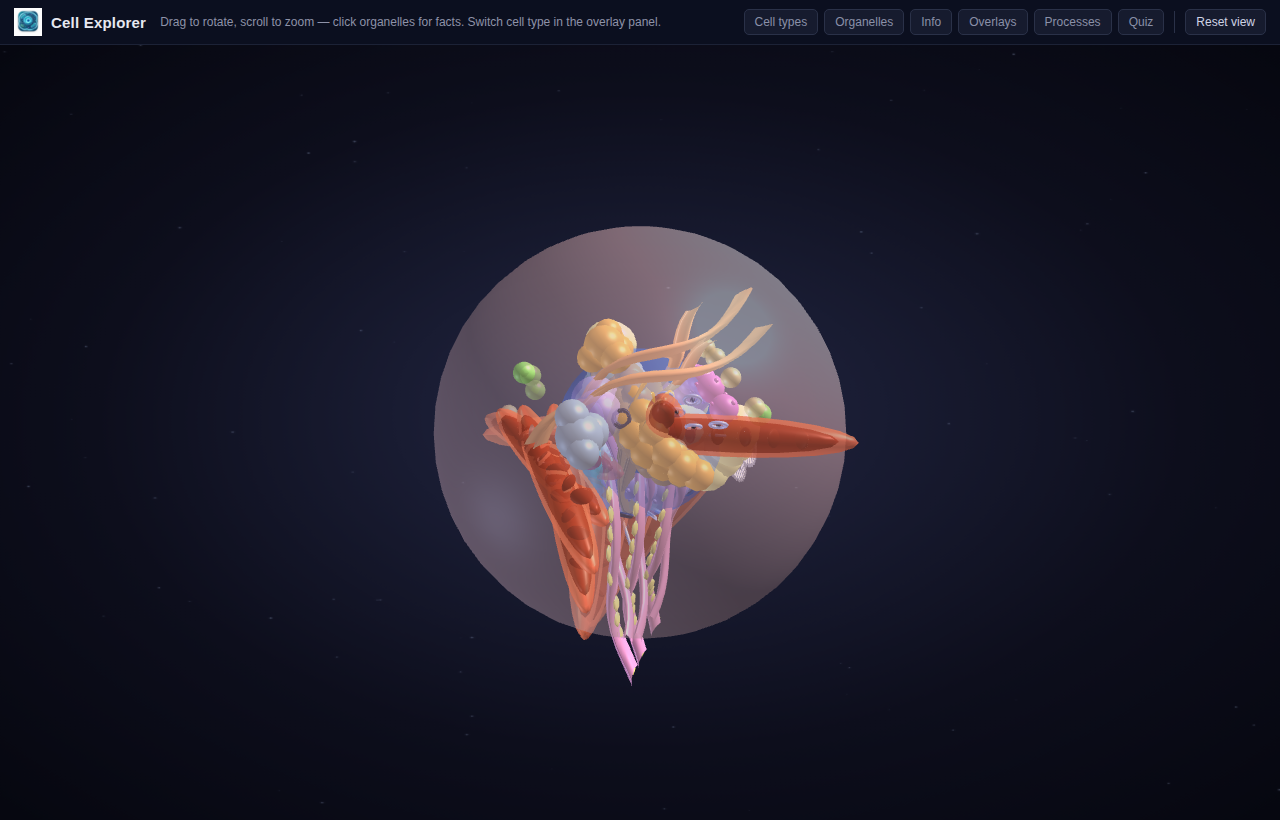
Switch between animal, plant, bacterial and a range of other specialised cell types and compare how they're built.

  • Animal, plant, bacterial and more cell types
  • Compare structures across cell types
  • Toggle the membrane, cytoskeleton and cut-away views
  • Rotate and zoom around the whole cell
Click any organelle to learn it — screenshot

Click any organelle to learn it

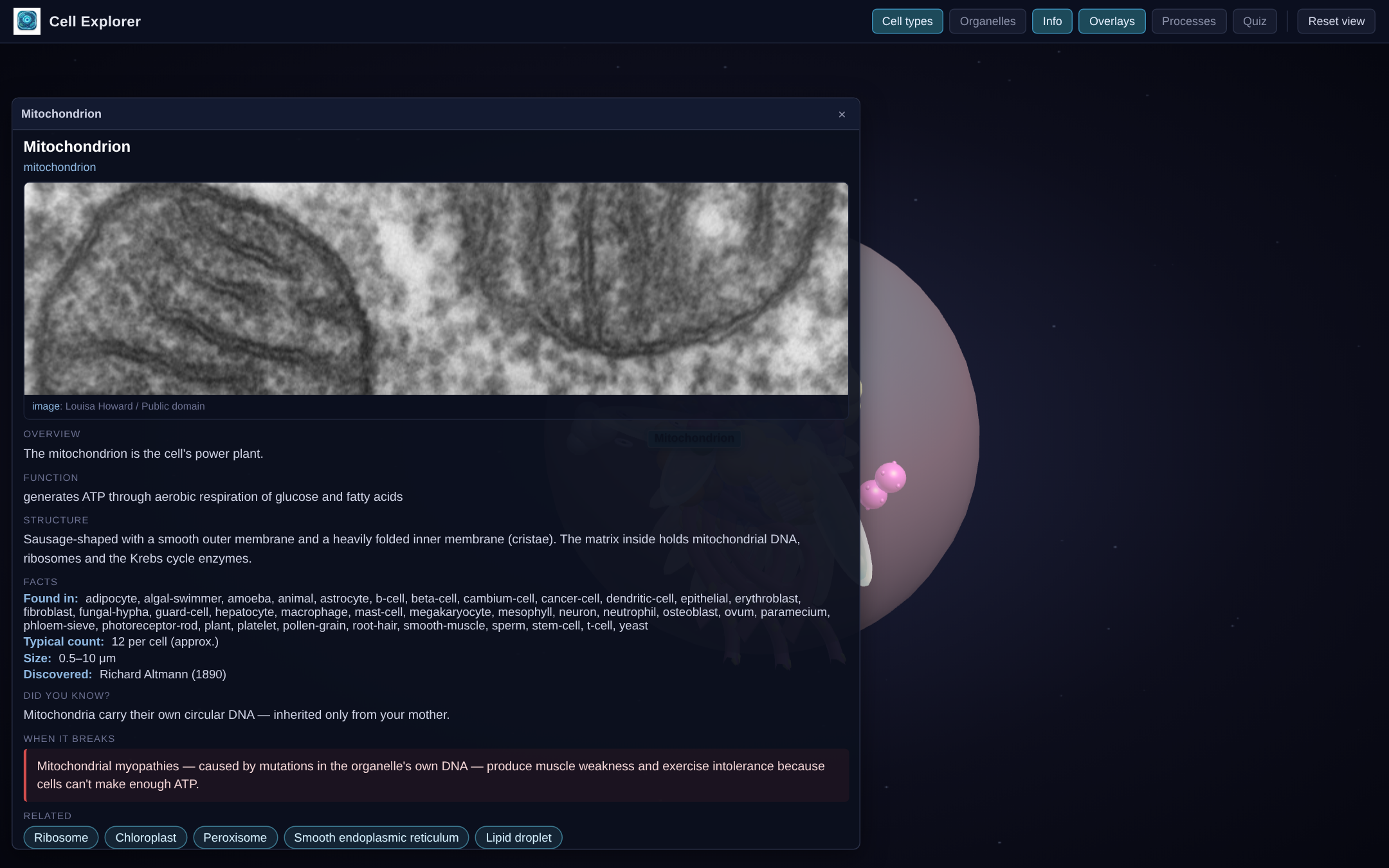
Select an organelle for clear facts, backed by a library that pairs each one with real reference imagery.

  • Click any organelle for facts
  • Organelle library with reference photos
  • Clear labels on demand
  • Cut-away views to see inside
Watch the processes, test the recall — screenshot

Watch the processes, test the recall

Play animated cellular processes, then check understanding with built-in biology quizzes.

  • Animated cellular processes
  • Cell-biology quiz modes
  • Identify-the-organelle challenges
  • Instant feedback and replay

In the classroom

Built to teach, not just to look good

🎓

For students

Turn a flat textbook cell into a structure you can rotate, open up and explore — and finally see in three dimensions.

🧑‍🏫

For teachers

Compare cell types side by side, animate a process, and quiz the class — a whole cell-biology lesson in one tool.

Zero friction

Runs in any browser, no install. Link it from your LMS and every student is exploring the same cell.

Tech: Three.js / WebGL Cell types: many Organelles: full library Runs: any modern browser Install: none

Try Cell Explorer for yourself

It runs entirely in your browser — no installs, no logins, nothing to set up. Open it and explore.

More live demos